Dance remix · November 10, 2026
Chipmunks Dance AI: Make Your Trio Remix
Make a Chipmunks Dance AI remix with yourself and your friends in the three-person court routine. Tap the left, middle or right dancer to add a photo. Choose a 5-, 12- or 15-second excerpt in portrait 9:16 or landscape 16:9, costing 5, 12 or 15 credits. The price is the same for one person or the whole cast. Preview the choreography, arrange your photos and sign in when you are ready to generate.
Create your video
Your photo
One clear person per photo · JPG, PNG or WebP · Up to 10 MB each
Length
Video format
Scene reference
Reference & examples
How to use the Chipmunks Dance AI generator
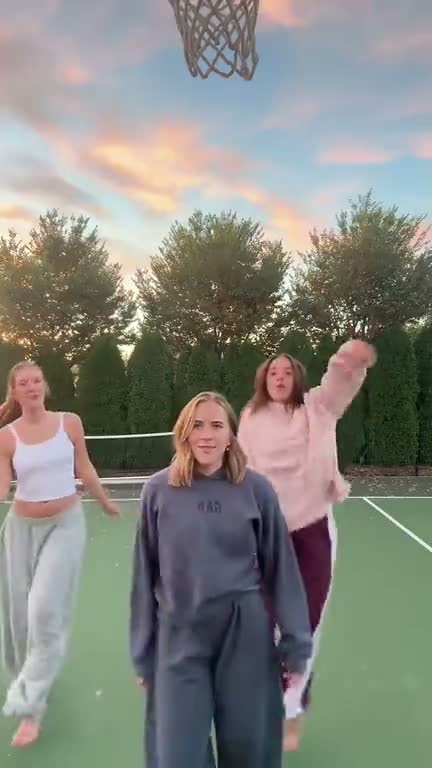
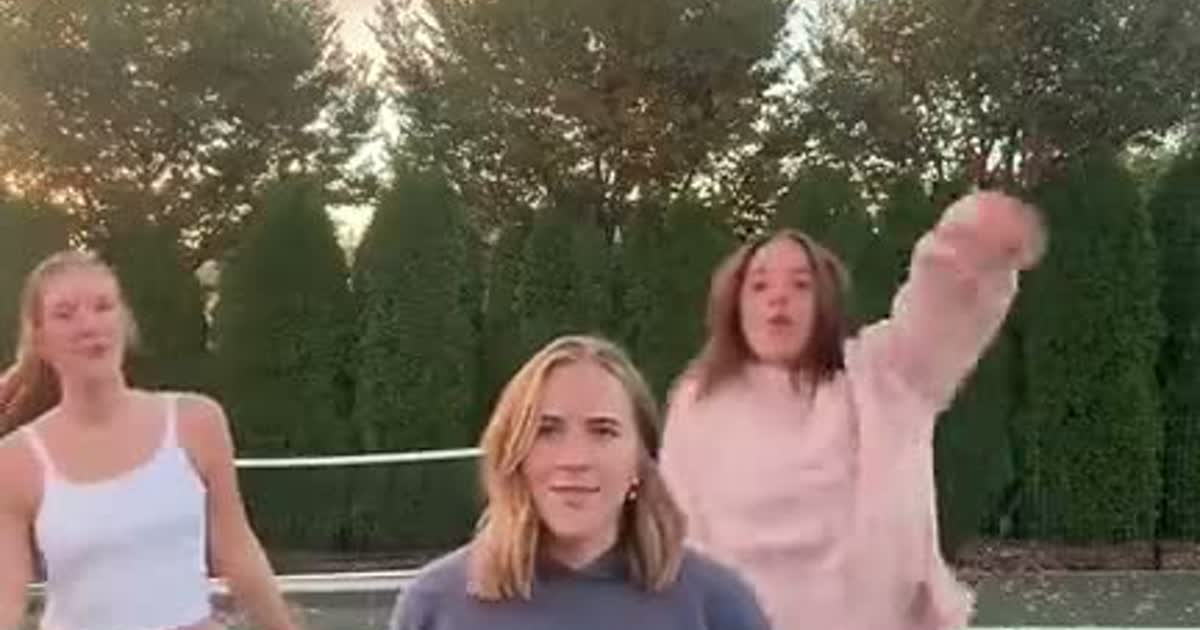
Start with the court preview and choose who joins the dance. Tap the middle, left or right marker to add a photo. Each position refers to the opening frame as you see it on screen. The middle dancer begins a little closer to the camera. You can fill one, two or all three positions; the price for your selected length stays the same regardless of cast size.
The names below the preview show which file belongs to each dancer. Tap a chosen position again to replace its photo, or use the remove control on the marker to restore the reference identity. Choose portrait 9:16 or landscape 16:9 before submitting.
Prepare photos for the Chipmunks Dance AI cast
Choose one adult per photo, with a clear face and enough of the body visible to show the outfit. A standing portrait works well for this full-body routine. Use even lighting and a straightforward angle so the face, hairstyle and clothes are easy to distinguish. Photos of the same person can go into more than one position if that is the joke you want to make.
The picker accepts JPEG, PNG and WebP files up to 10 MB each. Use a photo you own or have permission to edit. If an image has several people, crop it to the intended person first. The uploaded preview should make the chosen subject obvious without relying on a caption. Sunglasses, a face turned away from the camera or a very tight crop can make the identity harder to carry through the turns.
Follow the reference through every change of leader
The green-court reference is one continuous fifteen-second performance. Three dancers begin in formation, turn and gesture, then take turns approaching the phone. Their positions change during the dance. Left, middle and right name their starting roles; they do not hold someone on that side of the frame for the whole video.
Watch the source at normal speed to understand the sequence, then choose the cast. With one replacement, the remaining reference dancers provide the surrounding performance. With three replacements, every starting role gets a photo. The result should keep each person recognizable as they turn, overlap and move toward the lens. The preview on this page is the reference performance, and your completed output appears in the result panel.
Choose a length and submit
Sign in to MemeRadar before submitting. Choose 5 seconds for 5 credits, 12 seconds for 12 credits or 15 seconds for 15 credits, in portrait 9:16 or landscape 16:9. The task price is the same whether you replace one person or three. New accounts begin with zero credits; the pricing page lists the credit packs available for purchase. Your balance and the action button show whether you have enough for the selected task.
Confirm permission to use the photos, review the cast and press Generate. Keep the task open or return to My videos to check its status. While the video is queued or processing, the form locks to avoid changing the inputs of the active run. When a generation fails, its credits are returned. A successful result can be played and downloaded from the page or your account.
Review faces, hands and timing before sharing
Play the complete result once with sound. Follow the person who starts in the middle, then watch the left and right dancers in turn. Check the face after a spin and when another dancer passes in front. Clothes and hairstyle should follow the person through the movement. Pause a close approach to inspect the face, then replay it to make sure the transition is coherent.
Keep the dancers visible when you add a caption or crop for another platform. The final approach to the camera is part of the payoff, so an early cut can lose the joke. Listen to the downloaded audio and use licensed music when adding or replacing a soundtrack. Mark the clip as AI-generated when sharing it, and send friends a version they have agreed to appear in.
Choose the cast for your occasion
A single middle replacement works for a birthday greeting or a quick reaction: the recipient gets the opening front spot while the reference dancers complete the group. Filling every position suits three friends who want to perform together. Assign the photos deliberately, since each starting role has its own path through the routine. You can try the selection locally before deciding to submit a paid task.
For background on the dance, its costume and court examples, read the linked Chipmunks Dance article in Reference & examples. To explore another format, browse Meme Generators. Each template has its own reference and duration; choosing another meme creates a separate draft rather than changing an already submitted video.
Questions, answered
Do I need three photos?
You can replace one, two or all three dancers. Add one photo for each position you want to change; empty positions keep their reference identities.
Do left and right follow the dancers through the video?
The labels refer to the opening frame as you see it. The dancers change positions during the routine, so check each selected photo against the first frame.
Which durations can I choose?
Choose 5, 12 or 15 seconds for 5, 12 or 15 credits. Replacing more dancers does not increase the price for a given duration.